It stands out among circles and squares
Almost every platform crops avatars into a circle or a square. A hexagon breaks that pattern instantly, which is why gaming, tech and web3 profiles use it to look deliberate rather than default.
Free · No signup · No watermark
Free hexagon crop tool: crop an image into a hexagon shape and download a hexagon PNG with a transparent background in seconds. Hexagon profile pictures, logos, stickers, hexagon photo collages and honeycomb patterns, all made right here in your browser.
Arrange one photo, or several, into honeycombs, rings, stars, pyramids and more. Tune the spacing, add an outline, wash it in color, restyle single hexagons, then download the whole pattern as PNG, WEBP, JPG or SVG.
Open the pattern editor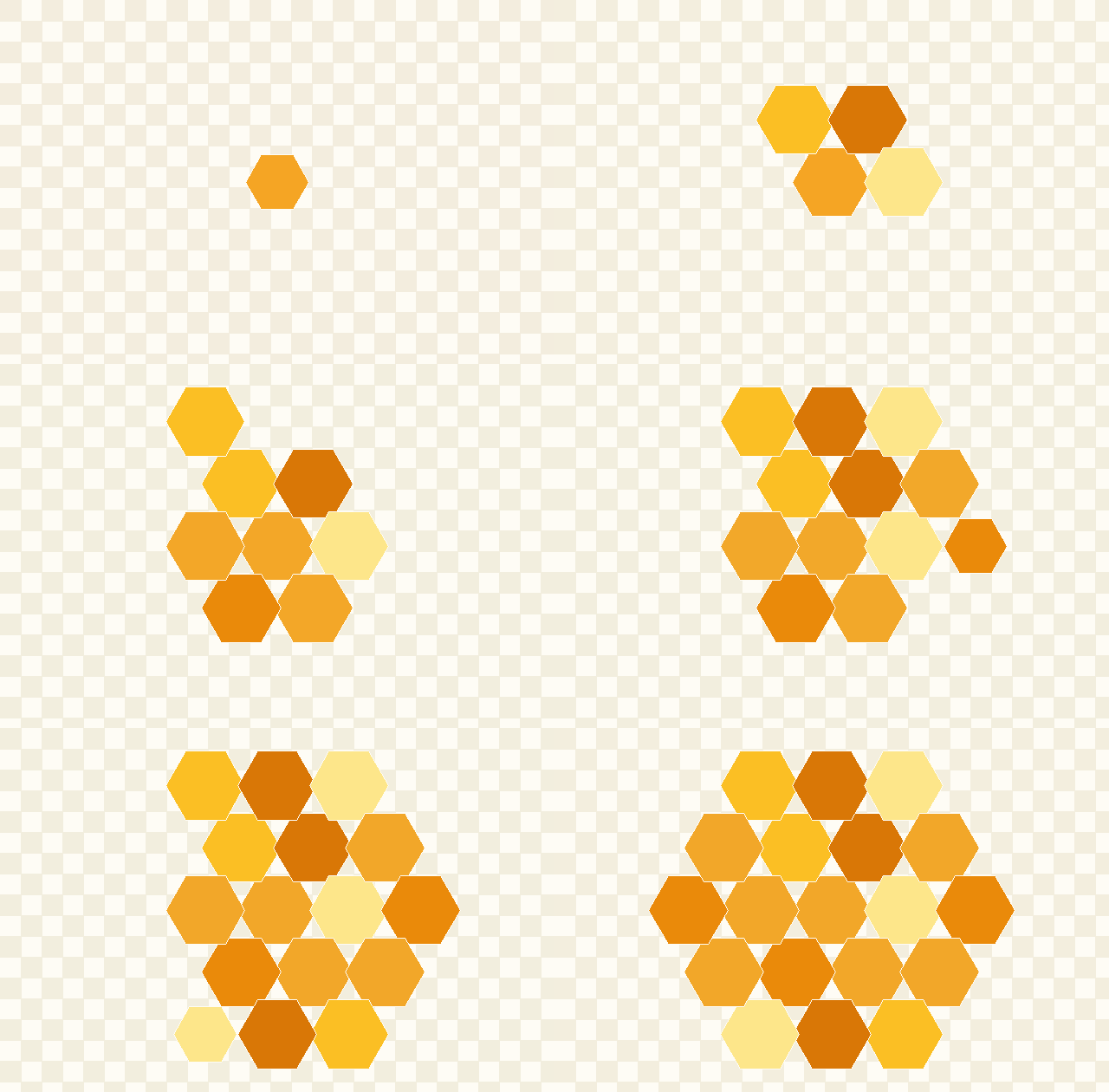
Three steps, no design experience required. The whole process happens on this page.
Drag a photo onto the drop zone, click to browse your files, paste with Ctrl/Cmd + V, or drop an image URL. PNG, JPG and WEBP all work, and you can add several images at once.
Drag the picture to frame your subject and pinch or scroll to zoom. Open Advanced options to switch pointy-top or flat-top, rotate, round the corners, add a border and pick an output size.
Press Download for a transparent hexagon PNG, or choose WEBP, SVG or JPG. Converting a batch? Grab every hexagon at once in a single ZIP file.
Almost every platform crops avatars into a circle or a square. A hexagon breaks that pattern instantly, which is why gaming, tech and web3 profiles use it to look deliberate rather than default.
Hexagons are the only regular shape besides squares and triangles that tessellate with no gaps. That makes them ideal for team grids, portfolio mosaics, mural walls and pattern design, and the honeycomb preview shows the result live.
Hexagons carry associations with molecules, engineering, carbon fiber and precision tooling, so a hexagon crop makes product shots and logo marks feel more engineered without adding a single effect.
A hexagon PNG with a transparent background layers cleanly over gradients, video overlays, slide decks and printed backgrounds, no white box, no manual masking in an image editor.
The same hexagon crop tool serves very different jobs. Here is how each group uses it.
Turn a selfie or profile picture into a hexagon avatar for Discord, Instagram, LinkedIn or any gaming profile in about ten seconds. Upload, drag your face to the middle, download. No design skills, no software install and no account needed, the transparent PNG works everywhere a normal avatar does.
Hexagons are a shortcut to a technical, precise brand feel. Crop logo marks into flat-top hexagons for consistent icon sets, build honeycomb brand patterns from product photography, and use the live honeycomb preview to check how your tiles interlock before you commit to a layout. Export SVG when the mark needs to stay vector.
Hexagon frames read as esports by default. Make matching Twitch and Discord profile pictures, roster cards for every player on your team, and badge shapes with a bright border that stays visible on dark overlays. Batch mode converts a whole roster in one pass so every card lines up.
Hexagon thumbnails are a recognizable signal in web3 profiles and marketplaces. Apply one hexagon crop, rotation and border treatment across an entire generated collection, keep the transparency for layered mockups, and export at whatever pixel size your marketplace asks for.
Export at 4000 px for print-ready hexagon stickers, enamel-pin mockups, badges, hexagon business cards, wedding favor tags and honeycomb wall art panels. Pick a solid background color and JPG when your print partner rejects transparency, or keep PNG for die-cut sticker outlines.
Print honeycomb classroom decorations with each student's photo, build scrapbook page clusters, make hexagon name tags for desks, or cut kids' craft shapes from photo paper. The honeycomb preview shows how six tiles fit around a center tile, so you can plan a bulletin board before printing anything.
Generate hexagon-shaped UI avatars at exact pixel sizes, export a 256 px favicon source, or grab an SVG with a real clip path you can paste straight into a component. Because everything is computed in the browser with Canvas, the geometry matches what you would write in CSS clip-path.
Most people arrive with one precise task in mind. Here are the settings that finish each of them, with the page that handles it.
Upload your photo, keep pointy-top orientation, zoom until your face fills about 70% of the hexagon, add a 12–20 px border in your accent color so the shape survives dark overlays, then export a 512 px transparent PNG.
Open the editorNo masking layers, no plugins, no subscription. Drop the image on this page, drag to frame it and press Download, the hexagon clip is calculated for you and the area outside it is genuinely transparent.
Use the converter abovePick a hexagon shape, a color, spacing between cells and how many hexagons you want (1 to 91 in a honeycomb spiral), then export the whole tiled pattern as one transparent PNG for backgrounds and overlays.
Open the pattern generatorChoose SVG in Advanced options to get a real vector hexagon clip path with your image embedded, scalable to any size, drop-in for HTML, React components or Figma, with zero quality loss.
Export an SVGUse the 4000 px high-res preset, which prints around 13 inches wide at 300 DPI. Keep PNG for die-cut outlines, or switch to JPG with a solid background color if your print partner rejects transparency.
Set a print sizeDrop every image together and batch mode applies one orientation, rotation, border, size and format across all of them, shows a thumbnail grid to check the framing, then downloads them as a single ZIP.
Start a batchRegular, wide, tall, rounded and gem hexagons, plus honeycomb 7, honeycomb 19, trio, row, column, quad, pyramid and diamond clusters, download the blank template or open it straight in the editor.
Browse the template packCrop the mark flat-top for icon sets, push corner rounding to about 30% for an app-icon feel, and export at 1024 px PNG plus an SVG so the same shape works in the store listing and in your interface.
Shape a logo markThe vocabulary behind the controls, so you know which option matches the result you pictured.
Crop an image into a hexagon shape, hexagon profile pictures, avatars and hexagon PNGs with a transparent background.
Hexagon shape generator, honeycomb generator and hexagon grid maker: colored hexagons, no photo needed.
Honeycomb pattern maker that slices your photos into a hexagon pattern, collage, mosaic or wall layout.
Free printable hexagon templates, hexagon outlines and honeycomb sheets to download as PNG.
Free printable hexagon graph paper in A4 or Letter, 5 to 25 mm cells, flat or pointy top.
HexaCrop comes from web developers and designers who were rebuilding the same hexagon mask in Photoshop, Figma and CSS clip-paths. Every control exists because a real project needed it.
Sizes, DPI advice and format notes on this page are checked by exporting the file and inspecting the pixels and transparency, not copied from another site.
There is no upload endpoint in this app. Cropping runs in your browser's Canvas, so your photos physically cannot reach a server. Read how it works.